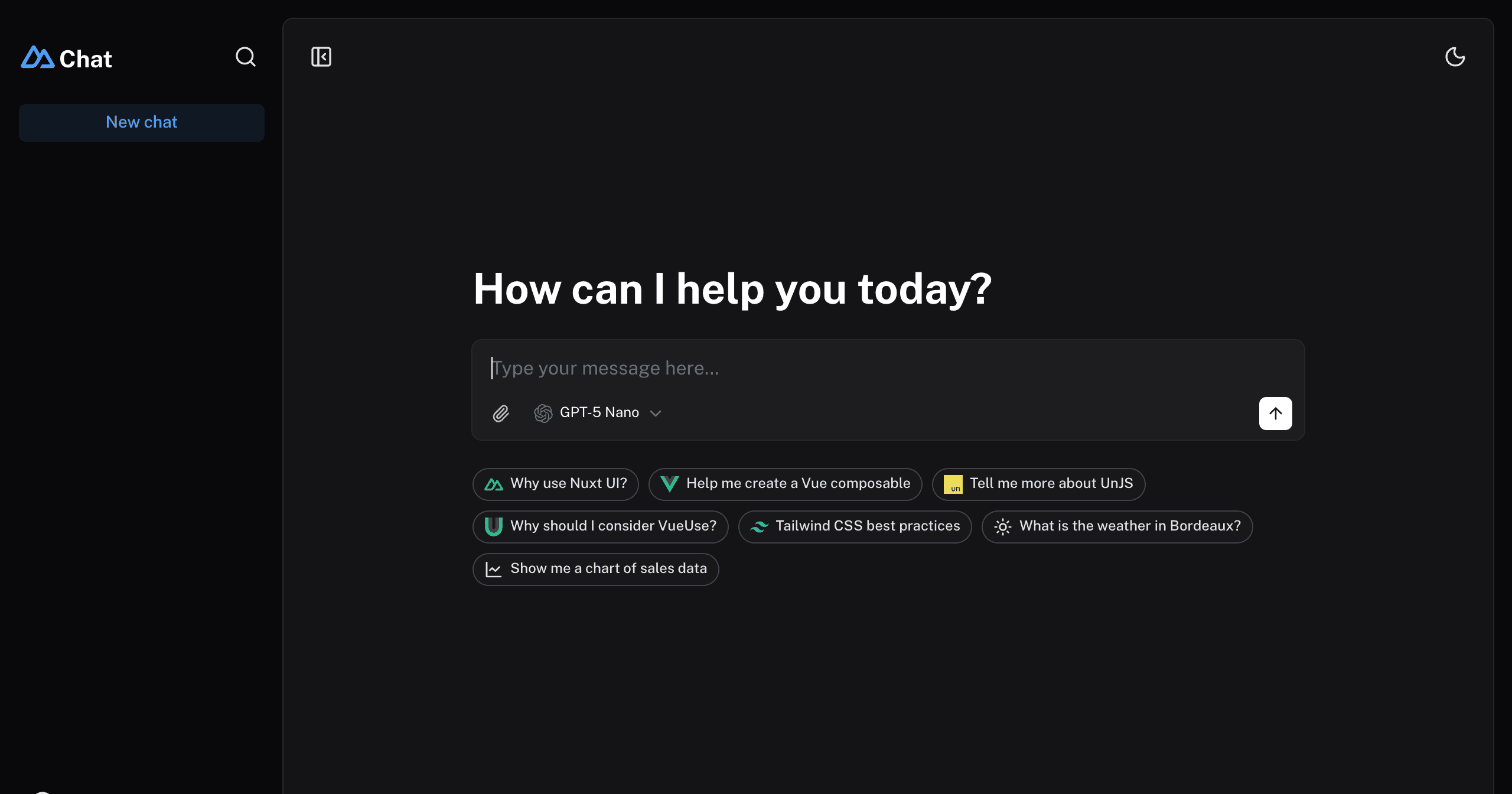
Next.js AI Chatbot with Twilio Segment analytics instrumentation
An open-source AI copilot with built-in Segment analytics built with Next.js, the Vercel AI SDK, OpenAI, Vercel KV and Twilio Segment.
Features · Model Providers · Deploy Your Own · Running locally · Authors
Features
- Next.js App Router
- React Server Components (RSCs), Suspense, and Server Actions
- Vercel AI SDK for streaming chat UI
- Support for OpenAI (default), Anthropic, Cohere, Hugging Face, or custom AI chat models and/or LangChain
- shadcn/ui
- Styling with Tailwind CSS
- Radix UI for headless component primitives
- Icons from Phosphor Icons
- Chat History, rate limiting, and session storage with Vercel KV and Vercel Postgres
- analytics-node for model observability with Twilio Segment
Model Providers
This template ships with OpenAI gpt-3.5-turbo as the default. However, thanks to the Vercel AI SDK, you can switch LLM providers to Anthropic, Cohere, Hugging Face, or using LangChain with just a few lines of code.
Deploy Your Own
You can deploy your own version of the Next.js AI Chatbot with Twilio Segment observability to Vercel with one click:
Creating a KV Database Instance
Follow the steps outlined in the quick start guide provided by Vercel. This guide will assist you in creating and configuring your KV database instance on Vercel, enabling your application to interact with it.
Remember to update your environment variables (KV_URL, KV_REST_API_URL, KV_REST_API_TOKEN, KV_REST_API_READ_ONLY_TOKEN) in the .env file with the appropriate credentials provided during the KV database setup.
Creating a Postgres Database Instance
Similarly, follow the steps outline in the quick start guide provided by Vercel. This guide will assist you in creating and configuring your Postgres database instance on Vercel, enabling your application to interact with it.
Remember to update your environment variables (POSTGRES_URL, POSTGRES_PRISMA_URL, POSTGRES_URL_NO_SSL, POSTGRES_URL_NON_POOLING, POSTGRES_USER, POSTGRES_HOST, POSTGRES_PASSWORD, POSTGRES_DATABASE) in the .env file with the appropriate credentials provided during the Postgres database setup.
Enabling Twilio Segment model tracking
For the full guided walkthrough, follow the blog post here.
Use your existing Twilio Segment account or create a free one here. Create a new node.js source by following the instructions here and record your write key.
Remember to update the segment write key in your environment .env file (NEXT_PUBLIC_SEGMENT_WRITE_KEY) with the write key to your node.js Segment source.
Running locally
You will need to use the environment variables defined in .env.example to run Next.js AI Chatbot. It's recommended you use Vercel Environment Variables for this, but a .env file is all that is necessary.
Note: You should not commit your
.envfile or it will expose secrets that will allow others to control access to your various OpenAI, Twilio Segment and authentication provider accounts.
- Install Vercel CLI:
npm i -g vercel - Link local instance with Vercel and GitHub accounts (creates
.verceldirectory):vercel link - Download your environment variables:
vercel env pull
Your app template should now be running on localhost:3000.
Authors
This template is created by Vercel, Next.js and Twilio Segment team members, with contributions from:
- Jared Palmer (@jaredpalmer) - Vercel
- Shu Ding (@shuding_) - Vercel
- shadcn (@shadcn) - Vercel
- Vaith Schmitz (@vaith) - Twilio Segment