Skip to content
New Project

IP Blocking with Upstash

Template featuring IP Blocking at the edge using Upstash.

DeployView Demo

IP Blocking with Upstash

This example features IP blocking at the edge with Redis using Upstash.

Demo

https://edge-functions-ip-blocking.vercel.app

How to Use

You can choose from one of the following two methods to use this repository:

One-Click Deploy

Deploy the example using Vercel:

Clone and Deploy

Execute create-next-app with pnpm to bootstrap the example:

pnpm create next-app --example https://github.com/vercel/examples/tree/main/edge-middleware/ip-blocking ip-blocking

You'll need to have an account with Upstash. Once that's done, copy the .env.example file in this directory to .env.local (which will be ignored by Git):

cp .env.example .env.local

Then open .env.local and set the environment variables to match the REST API of your database. It should look like this:

UPSTASH_REST_API_DOMAIN = "us1-shiny-firefly-12345.upstash.io"
UPSTASH_REST_API_TOKEN = "your-api-token"

Next, run Next.js in development mode:

pnpm dev

Deploy it to the cloud with Vercel (Documentation).

GitHub Repovercel/examples
Use Cases
Edge Middleware
Stack
Next.js
Tailwind

Related Templates

Bot Protection with DataDome

DataDome can provide real-time bot protection and other security protections to any website. In this template we'll be using it at the edge.
Bot Protection with DataDome thumbnail

IP Blocking with DataDome

DataDome can provide real-time bot protection, ip blocking, custom rules protection and other security protections to any website.
IP Blocking with DataDome thumbnail

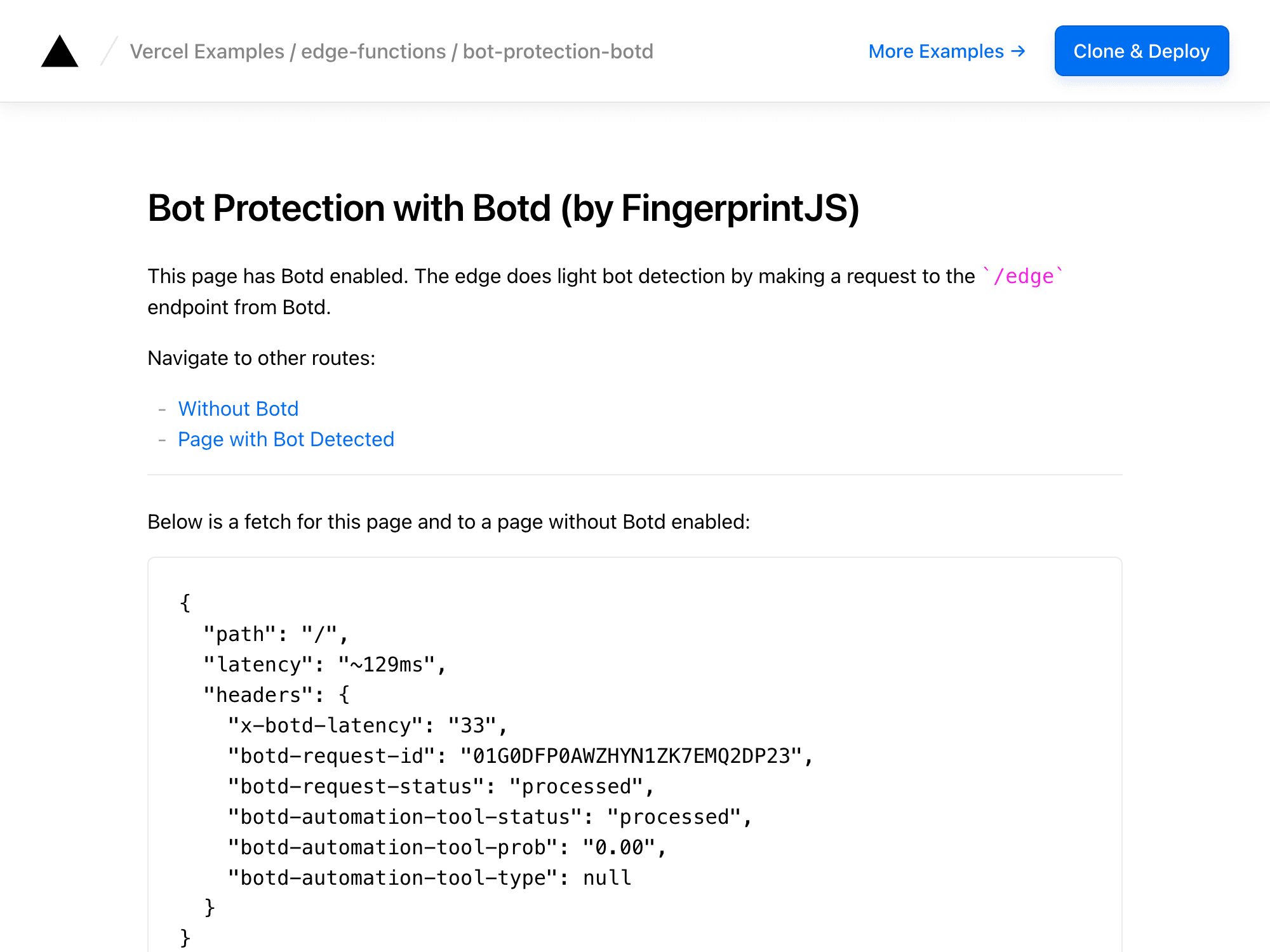
Bot Detection with Botd

Botd is a browser library for bot detection. In this template we'll be using it alongside botd-integrations for bot detection at the edge.
Bot Detection with Botd thumbnail
DeployView Demo